Saturday, July 10, 2021

In-depth look at Simile Thoughts

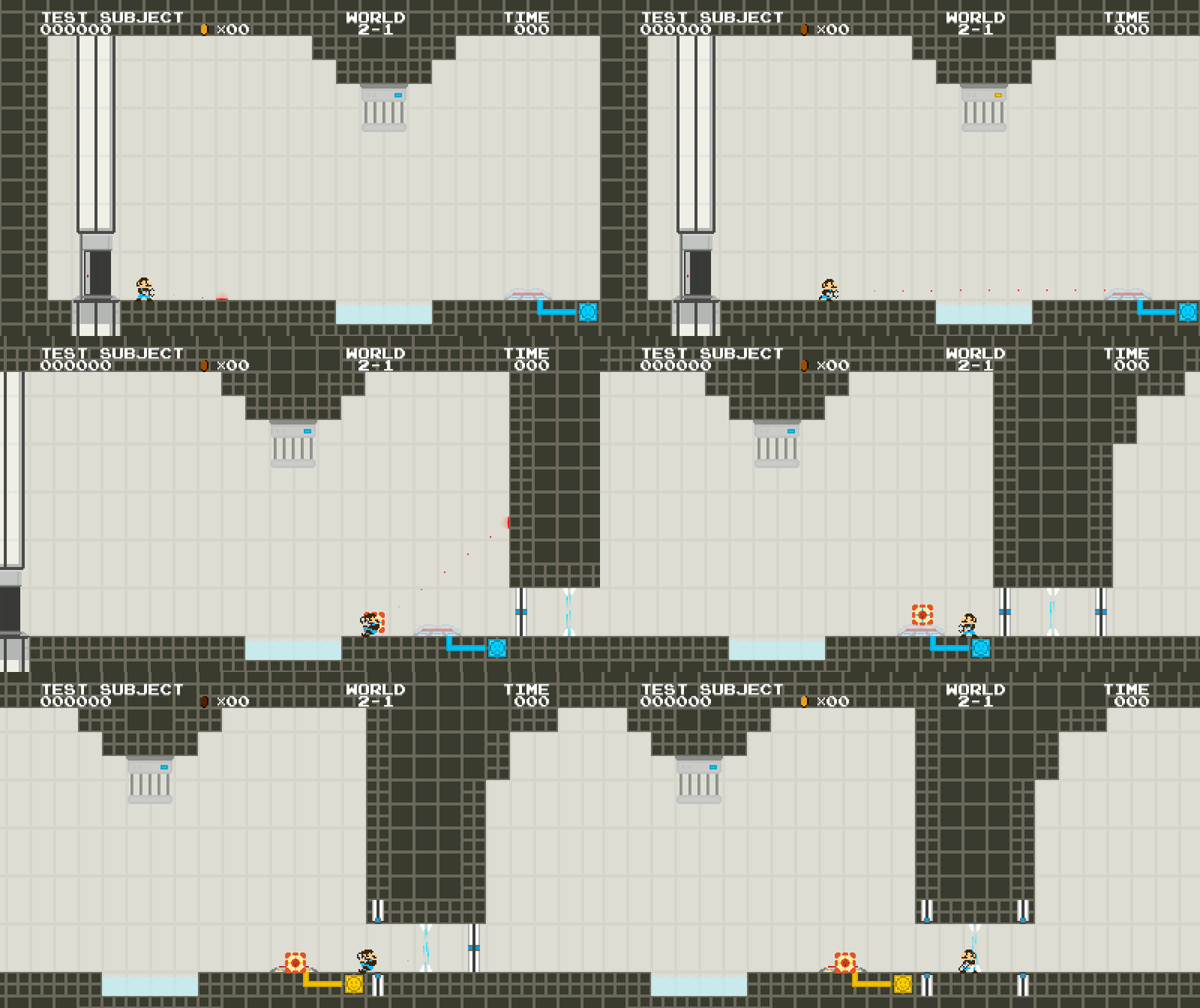
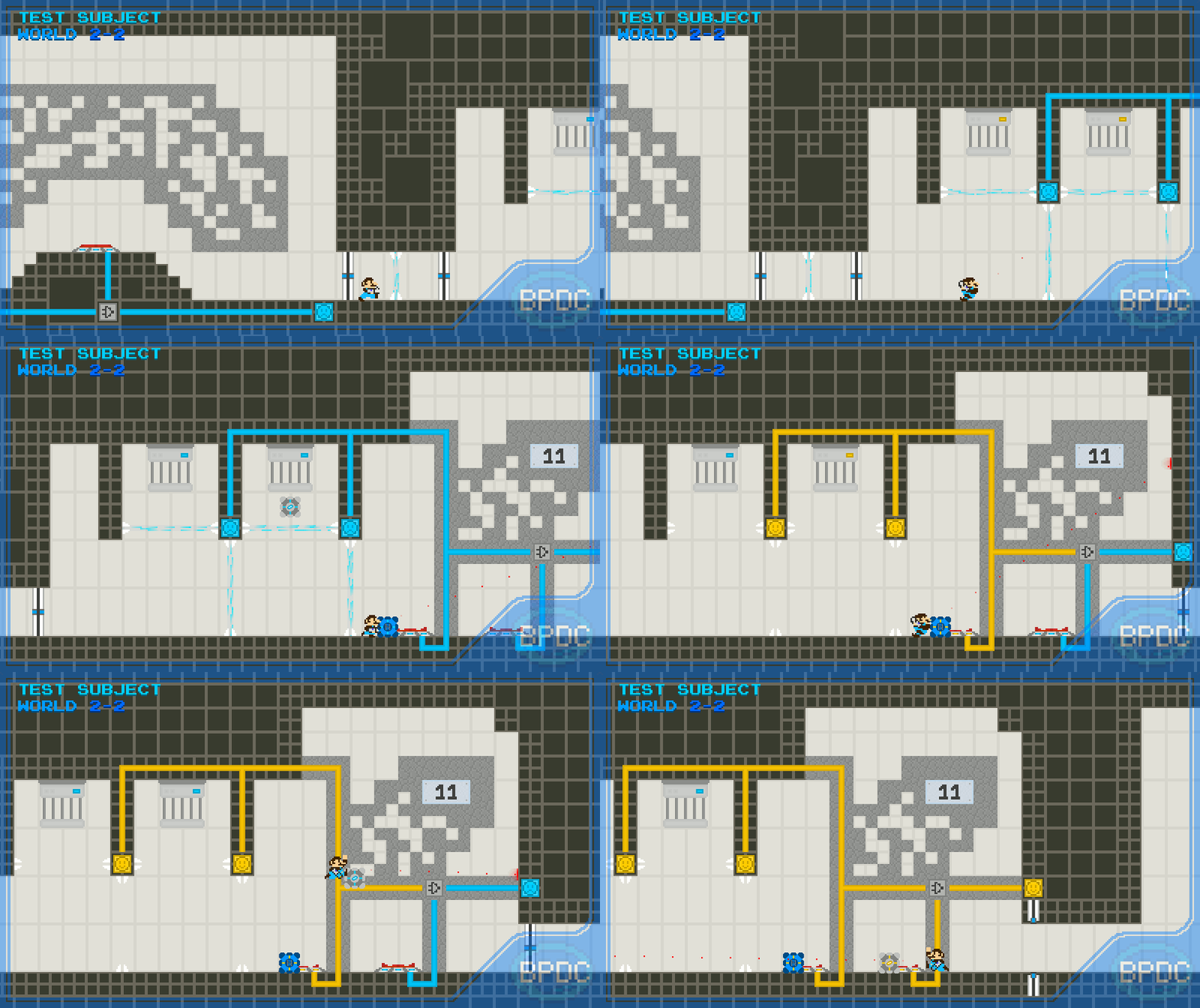
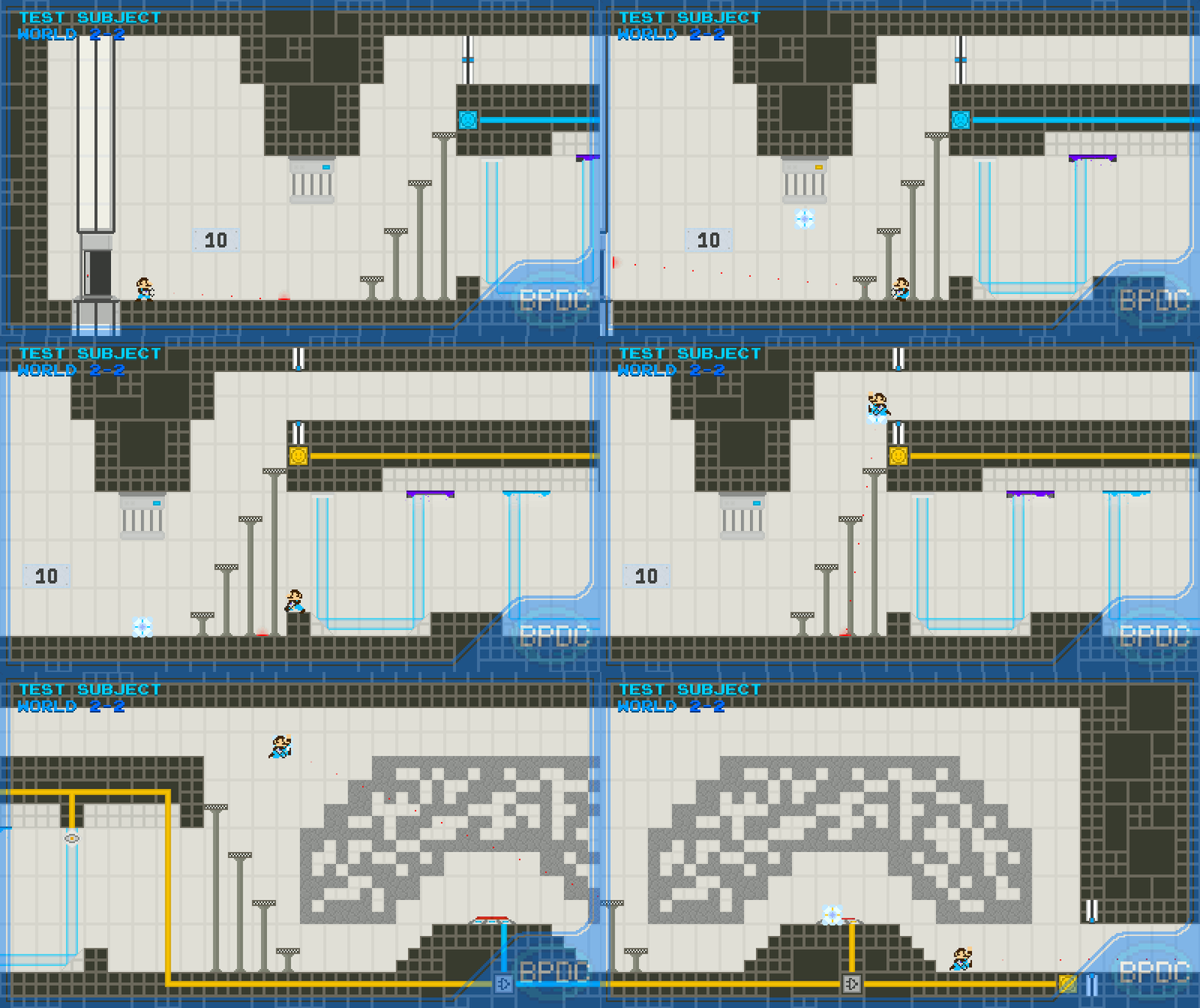
     If you've seen my previous post, you might be wondering if I've abandoned Paperboy. Don't worry, I have not. I've just come to the – slightly late – realization that, before diving deeper into making a full-scale game, I should probably finish the one project I had been working on for years. So I put Paperboy aside for a little bit and focused heavily on finishing Simile Thoughts, a mappack for Mari0. This is what I'll be covering today.

      Before anything else, however, I highly encourage you to take a look – and read – into the mappack's main post, over on the Stabyourself.net forums. Here's the post in its full glory. It covers a lot of what I'll talk about in this postmortem, and also has a few pictures of some of the levels if you're curious about the overall looks of the project, since I won't be covering every single level here. If you intend on playing this mappack, I highly recommend doing so before reading this blog post, as it will contain spoilers for some of the puzzles.


Saturday, March 20, 2021

Paperboy Devlog

     Well hello again! It's been a while, hasn't it? I suppose it's always a while in-between posts. I could go on about what I've been doing these past few years, or how my life has changed, or how a certain virus has caused a certain worldwide situation, but to be completely frank, not much has changed for me personally. I've been working on the odd project here and there, playing around with different games, programs, drawing styles; exploring music, poetry and a lot more. However, none of those were activities I deemed worthy of a blog post.

    Enter Paperboy. This is a game idea I've had for two years now, and which my recent lack of employment has made me want to finally take seriously. Long story short, Paperboy is an isometric 3D puzzle game in which the goal is to deliver newspaper to people's doors. Silly premise? Absolutely, but that's by design. The core idea came from a casual conversation between some friends and I, in which we discussed "liquid fizzlers" - picture Portal 2's fizzlers, but behaving as a stream affected by physics. My mind fixated on garden hoses and sprinklers, to which I thought "why not lean in on that?" Thus Paperboy was born. The idea of a newspaper delivery boy navigating gardens and patios, trying to get a pile of newspaper to the front door of houses was both charming and comical, and starkly contrasted the seriousness and "realism" of most of my other game ideas.

    All mechanics, obstacles, hazards, and overall themes and level design choices were conceived from the premise of delivering newspaper through gardens. Water became a threat to papers. Flower patches became obstacles for the player. Fences, gates, crates, they all became navigational assets. Levels could take on the form of pompous mansions with lush gardens, or concrete patios with mud pools and wet cement.

    With such a simple, yet flexible premise, what took so long to get started?

Sunday, October 15, 2017

In-depth look at Filler

    Why hello there reader! I know, I know, I know... it's been a while. But don't think I've been sleeping on the job. Though it's been over a year since my last post, I've been working really hard on a lot of different projects. I plan on giving this blog a well-deserved overhaul soon, and keep you guys up to date on my recent projects. But I couldn't let this very opportunity pass by: my first publicly-released game, Filler.


    The mechanics and goals of the game are incredibly simple: fill all the empty spots, reach the target at the end. So, you might be thinking: "With such a simple concept, I bet Hugo pulled that out of his bottom in a couple days". Weeeeeeeeell, make that roughly 4 years. It all began a long, long time ago...

Wednesday, September 7, 2016

In-depth look at Minigame Simulator

 Well, here we are again! After a mere 2 years, I've finally got to a point where I can proudly present my Minigame Simulator! Why this long, you ask? Well, it wasn't always like this, of course, and it definitely didn't take that long. So in this post, I'll guide you through the creation of this "emulator", as well as its functionality!

 It started way back around August of 2014. I've had this idea of making a game that could play other games within it, like those old "Minigame consoles" (of which, of course, I own one):

Picture from LÖVE Forum user lost_RD.
Pretty similar to the one I have in real life.

 What I had in mind for this project was ambitious, but it had to start small. And I mean small. This is what version 0.1 looked like:

 It was only the bare bones of what I planned for this. It's not obvious from this picture only, but version 0.1 didn't have anything! All it did was play the Snake game, and a pretty lame first version for that matter. Pause and Settings didn't work, and you couldn't change games. There was no secondary screen for score, level, etc, and the skin was that, no changing.
 However, right on this first "sketch" (can barely even call that a "Simulator", to be fair), I've started paving the ground for what I planned. I started setting up multiple game loading, preparing custom skins, etc. With this, came version 0.2. We already had pausing, settings and customizable skins. I've also updated the game to LÖVE 0.9.1 (version 0.1 was made for 0.8.0).
 After 0.2, I kept working on it. But the more things I added, the more complicated it got. Massive bugs emerged, the game became super laggy, so I paused development on it for a while. I tried updating it a few times along these two years, but other projects started taking priority, and this started falling behind.
 It wasn't, however, until a couple months ago, that I decided to pick up the pieces of what I've left behind, shake off the dust, untwist the knots, and polish up what I had in order to add it to my Portfolio.

Friday, July 29, 2016

In-depth look at Pattern Generator


 Hello again. To fulfill my last post's "promise", here I am with a blog post dedicated to my latest finished project: "Pattern Generator". You may be thinking "Hugo, how did you come up with the idea for PatGen? And why did you work so hard on it? What's the point?". To that, I reply "I dunno". Thanks for reading guys, have a good one!

 Okay, but seriously now: Pattern Generator was a project I came up with back in late November, 2015. Back then, I was crazy about mazes, thanks to a huge influence from Sky (check them out, they've got some amazing mazes). We made a few lot of custom mazes, and every time we wanted a new pattern we had to make it by hand. So I tried solving that issue with a program that would render maze patterns based on your preferences. And thus, Pattern Generator was born!


 At first, it was going to be a pretty simple project, just to make maze-pattern-generating easier (mostly for myself). But then I thought "It could be used in many different cases, so why not make it decent, better suited and easier to use?". In that moment, I decided I'd make Pattern Generator a fully-fledged project, that I could put online for others to try without feeling ashamed that it's messy or slow.

Monday, July 4, 2016

A Big, Late Update

 Whoa, what just happened? Where is Hugo's blog, with its ugly textures, trippy background and sidebar cluttered with unfinished projects? Well, to answer your oddly-specific questions: it's gone. I realized it was about time I updated this blog, and made it look not only cleaner, but more professional. If I want to pursue a career that involves graphics and the internet even in the slightest (spoiler: I do), I might as well just dress up the things related to them. You know what they say, dress up for the job you want, not the one you have.
 For quite a long time this blog has been the same. And it's always been a trouble showing it to anyone else. But now, after a good old blogcleaning Sunday, I'm ready to get back on tracks. If you were wondering whether or not I was dead, I wasn't. While I haven't been active on this blog as much as I hoped, I was still active online (if you know where to find me). The reason why I haven't posted much is that I couldn't get any project that I thought was worth making a new post about, and over the last few months, all my projects have been either cancelled or just weren't finished or big enough.
 But that has changed, and will hopefully continue changing over the course of the next few months, as I intend to increase more and more my new Portfolio with all sorts of projects, drawings, games and much more. It took me a while to realize, don't ask me why, but if I want to have any chance in the gaming market, or any market for that matter, I might as well start working more and better on my personal projects.
 Do not, however, misunderstand this as turning my blog into an online curriculum. This is still a personal blog with personal projects, and formalities are for the weak. I'll hopefully have more things to show to you guys in the near future. In fact, I'll make a post about my newest finished project, the Pattern Generator, which you can also peek into through my Portfolio.

 But that's it for me today guys, hope to see you very soon :)

Friday, December 12, 2014

Making a Simple 2D Physics Engine - Part 3

Hello again, guys! I know, once again, this took a while to release, based on the release of the last part, but this time it wasn't due to having a new computer, like last time: it was delayed due to pure laziness and procrastination. So sorry about that...

If you'd like to see more about the LÖVE Forums' post for this tutorial, just CLICK HERE!

Although this is the "official" last part of this series of physics tutorials, I want to make smaller, more informal tutorials for different things in a physics engine, like slopes, player movements, triggers, etc. But, without more delay, let's move on to this part of the tutorial!

This is the part 3 of a 3-part tutorial.
Part 1:  Collision detection/handling;
Part 2: Gravity, friction, speed, masks and other global/local concepts;
> Part 3: Drawing objects and optimizing your engine.

So click on "Read more" to go to the tutorial!


Saturday, October 25, 2014

Making a Simple 2D Physics Engine - Part 2

Hello again! So, right after publishing the part 1 of this three-part tutorial series, it became extremely well-received and known by people (mostly the LÖVE Forums community and the Stabyourself Forums community). In less than a week, it already became the most visualized post of my whole blog! This was great, and I'm really, really, thankful to all of your kindness. It makes me really glad that I'm helping you all! I was going to take a little more of time until the part 2 release, but seeing that people enjoyed these tutorials, I'm already working on this!

As for how long it took me to release the part 2, I'm really, really sorry: I've got a new computer, so I had to transfer the tutorial's files AND install a bunch of programs. But don't worry: this won't happen to part 3...

If you'd like to see more about the LÖVE Forums' post for this tutorial, just CLICK HERE!

Now, without further ado, let's get to the little details of a 2D physics engine: gravity, friction, speed, masks, collision worlds, dynamic status and other little object-specified or global variables and concepts! Since they're mostly simple to explain, I'm putting them all in this single tutorial, instead of making a single tutorial for the topic, like in part 1. Ready?

This is the part 2 of a 3-part tutorial.
Part 1:  Collision detection/handling;
> Part 2: Gravity, friction, speed, masks and other global/local concepts;
Part 3: Drawing objects and optimizing your engine.

So click on "Read more" to go to the tutorial!

Thursday, October 23, 2014

Making YouTube videos!

Hello again, guys! So, as the title says, I'm making YouTube videos again! Again, because a few years ago I started making videos, but they were terrible, so I deleted them all. Now I'm starting over, but with a lot more of quality and work! My videos are in HD and I try not to make them too long. I'll be making gameplay videos the most, but you'll see some game development, map-making and other things too!


As for people looking up for my physics tutorials, a little announcement: they're a little delayed due to the fact that I got a new computer, so I had to set things up, transfer files from the old computer, install the programs I use, etc. But the newest tutorial is already being worked on, and I already have everything I need to make it, so you don't need to worry about that.

That's all for today, I see you guys in my next post!

Friday, October 10, 2014

A few important notes...

Hello, everyone! I know it's been a while since I post anything, so I decided to take a time to explain some things. This talk involves mostly (and most likely only) Mari0 +PortalLinkIt! and SpinRobot.

First, and most important: Mari0 +Portal. If you "follow" me or my blog on the Stabyourself Forums, you pretty much know what happened, but if not, here it is: I stopped working on it. I have a few reasons to have stopped working on it, but here are the main ones: I'm busy with bigger projects coming soon, the mod wasn't getting much attention, and Mari0 mods in general are getting slowly ignored, since Mari0:SE beta was released.
I still finished the newest version of the mod (more or less) to have it more bug-free (as I said I would do in the newest version), so now, FINNALY, OFFICIALLY Mari0 +Portal 1.0 is out!!! I know it doesn't have as much things as I wanted it to have in it's 1.0 update, but I've got, at least, everything I've posted about in our glorious 12 editions of "Quick Update of Mari0 +Portal", which was always nice for me to do. Even though the mod is considered finished, I don't want it to just be dropped "as is". I still have small details to polish and new features to be explained in the mod's thread, but other than that (and a few eventual bug fixes here and there), this is it for Mari0 +Portal. No, not Mari0 +Portal, but Mari0:HEC (HugoBDesigner's Entities and Customization). Yes, I already wanted to change the mod's name, so this is the perfect opportunity, right? I mean, technically, it's the very last opportunity, so why not?
So, I say thanks to all of you who supported me throughout the development of this mod. It was amazing this whole time, and I really appreciate everyone who helped me (like Qcode, Automatik and Alesan) and everyone who simply downloaded, played, made mappacks or commented about this mod. It was great from the start to the end!

Now to the long forgotten game: LinkIt!. Do you remember it, right? No? Well, that's okay. No one would remember it anyways. It was meant to be my first game (I wanted SpinRobot to be, but it will still take a while, so I made this in the meantime). It was supposed to be a clone of those dot-connecting games, like Flux. The problem with this game is: it was too generic, there were already tons of similar games out there, and no one really would give much attention to it. So, a long time ago, I gave up of it and stopped working on it, but never announced it, so now it is official: it's dead forever.

If you know be a little (or a lot), you know that I have this old project waiting for a very long time, called SpinRobot. Do you remember one of my latest posts, in which I mentioned making a game but didn't reveal it's name? Well, if you looked at the "My Games" section of my blog, you probably have seen it. Well, SpinRobot is an ambitious project of a 2D platformer game I have for a veeeery long time now. In fact, it is the project I have to be my very first official game! I want it to be very polished, well-detailed and have a ton of features. The game will have a main campaign and custom user-made DLC. Yes, you'll be able to do your own things in this game!
But... what is this game about anyway? Well, I don't want to reveal much, but it is going to be a platformer game with several worlds (and several levels in each world), and each world will have a different theme and gameplay. Some worlds will be more focused on platformer-like gameplay, others will be more around puzzles, others action, exploration, escape, etc. It will have several things in a single game! It'll also contain a really super cool 1.0 master-blaster level editor! No, not just a simple editor, it'll have a LOT of things for you to work with!
My first idea for this game was of selling it, but, since it is my very first game, I decided to make it free, so anyone can know me a little better before I decide to sell anything.
This game will have an impeccable quality! Do you know that game, called Concerned Joe? Well, that is made in Love2D, just like mine, but you can see that the quality of that game is incredible, right? Well, I'm aiming for a pretty similar level of quality! But don't worry: just the amount of work put on it and the quality level will be similar. The gameplay is waaaay different.

I think I covered everything important that I didn't talk about in a while. Thanks for reading, and I see you guys in the next post!

Wednesday, October 8, 2014

Making a Simple 2D Physics Engine - Part 1

Hello again! I've seen a few physics engine (mostly with the framework I work with, Love2D). I always thought they were complicated and too confusing for someone like me trying to venture out and make something similar. Turns out I decided to participate in the Love-Jam #2, a competition where you have a very limited time to make a game based on a given theme. This Jam's theme was "FUSION", and I had a more or less general idea of what I wanted to make.
The problem is that, even though I was allowed to use open-source, free libraries to use with it (I could simply download a physics simulating library and do the rest of the game), I decided I should give it a try and have something 100% mine.

If you'd like to see more about the LÖVE Forums' post for this tutorial, just CLICK HERE!

In this post, I want to help (however I can) you guys making (or at least understanding) how a *SIMPLE* 2D physics engine works. Hopefully, you'll also be less "afraid" of trying it, when you see that, even though it requires a bit of math and computer logic, it's not as hard as it looks.

This is the part 1 of a 3-part tutorial.
Part 1:  Collision detection/handling;
Part 2: Gravity, friction, speed, masks and other global/local concepts;
Part 3: Drawing objects and optimizing your engine.

So click on "Read more" to go to the tutorial!

Sunday, August 17, 2014

Quick Update for Mari0 +Portal #12

Hello, guys! I know it's been a while since my last "Quick Update for Mari0 +Portal" post, but it doesn't means that the mod is over, dead or in "hiatus". I've done a lot of updates for it, and I'm working on the next stable update for the mod, which will FINALLY be the long promised 1.0 update. In order to make it work, I had to decrease the amount of new features I wanted for this update. But the most important thing I'm working on the mod right now is something I should have done a long time ago: fixing bugs. Since I'm not gonna add many new features right now (not because I don't want, but because I chose to do so), I have more time to fix some bugs and make this update better for people who wanna use this mod without running the risk of having his work gone or interrupted by the game crashing, for example.
But that doesn't means that there won't be new cool things to look at in this update. Since it's been a while since the last post, there are many new features that weren't showcased here yet. So let's start our "GIFs tour" now!

One thing that I always wanted in Mari0 and was "impossible" at the time was language selecting. For a very long time, I thought I wouldn't be able to do it myself in this mod. However, I finally manage to make it in a way so any text can be translated to any installed language! I also set up so you can decide if your custom texts (from overlaydata, for example) should be translated whenever possible. You can even make your very own translations or even improve someone's translations! Currently I have Brazilian Portuguese (my first language), Netherlands and French, but if you know any other language and are willing to help, just contact me (in my "Contacts" page or by commenting here).


Of course, to make multiple languages work properly, I had to come up with a way to make the game support non-English-standard characters (also known as UTF-8). So, now, characters like "á", "ç", "ñ" or "ô" work just fine! Since I worked on them to make them work like they do now, and since I came up with a system to easily "apply" new custom characters, I thought: why not go ahead and also implement punctuation symbols and uppercase characters?


So yeah, multi-language settings and non-UTF-8 characters are cool, but let's get back to the gameplay-wise new features. I always wanted to let map makers have more control over boxes and their behavior. Although I still have many adjustments and improvements to them, I added several commands (for both Commander and Environmental Trigger) to change the behavior of boxes. For example, you can detect when a box is being held by a specific player, you can set it's texture, emancipate them, change their speeds and even force them to be grabbed/released by a player. This, along with other commands and triggers can lead up to new features like Portal 1's "click-to-throw" system!


But that's not the only thing I added to Commanders and Environmental Triggers! Now, to make it more user-friendly, I made a quick-consult system that displays commands based on what you've typed in so far. So, if you, for example, wants to fire a command related to a player but aren't sure of which commands to use, simply type "playerN" and press "tab". A list of player-related commands will show up and you'll be able to make your commands more easily! It also keeps track of data types, so if you write a text where it should be a number, this new system will let you know!


Of course, there are a lot of little adjustments to be done to make it even more user friendly for you guys and more coder-friendly for me. Still, it's a great feature so far! Still on the commands topic, something epic can be done with variables now! Remember those savable variables feature, where you could have a custom variable saved and you could load them later on the same mappack? So, now you can use those variables to unlock customizable menu buttons! These buttons will fire a command when pressed, and you can choose any command! The best one, in my opinion, is the world-changing one. It'll allow you to let players unlock DLC worlds by completing tasks in the default campaign of your mappack!


Now to the new entities and properties! So, some of you may know about the "mirror" tile property (present in Mari0:SE and Alesan99's Entities mod). It redirects portals shot towards it in the exact opposite direction (thus "mirror" property). Yes, they finally arrived here. It was only possible with Alesan99's help, so thank you so much, Alesan!


The "pointing-redirecting" is a new feature, though, that is only present in my mod. Personally, I found it easy to make, so I don't know why it's not present in SE and Alesan's mod yet. Anyway, I got really happy with the way mirror tiles worked, so I tried and successfully added a new gel, only to redirect you portals! It comes with a variable only for it as well, which toggles redirecting portals on portalable walls on and off, so you don't have to struggle with a mode that you don't like. You can set it either via custom variables or via Commanders!


Speaking of gels, I took some time to fix the way that the Adhesion gels changes the player's textures orientation. So now you can climb on walls without having your character looking the opposite way you're pointing at!

Another thing that will help map makers visualizing their mappacks better in the level editor is having different textures for each gel you set up. This feature was already present with Logic Gates, so why not with gels?


And yes, it surely includes the multi-gel entity. Speaking of it, I decided to stop being lazy and fix it's GUI so you can now FINALLY see the gels as they should!


Speaking of GUIs, I also decided to finish something that will help map makers a lot during their mappack development: pointers for faith plates. This way, you can set faith plates' forces without having to "guess" where the player will land!


But I have to say something about this: I lost the latest version of my mod which had this and some other features shown up here and, although I remade most of them, I still didn't finish this particular one, so faith plates pointers may or may not be in my next mod's update. But don't worry: still on the subject of faith plates, I added in something requested for me that is gonna be great for portal-themed mappacks: ceiling faith plates! Wall faith plates are going to be implemented soon, but, meanwhile, you can already have this:


Which works greatly with "gravity side" commands!


Last, but not least, I'm improving the entities categorization system. Not only that, but I've also added a new category to help you guys make portal-themed mappacks easier and faster to be done: the Portal category!


That's it for this update, guys. I know it was shorter than the usual, but this is for the fact that I'm working on fixing bugs more than adding new features. This also means that the next post about this mod will take a little while as well, so sorry in advance. As for the blog in general, I have some quick news.
The first one is that I'm working on a scientific report that I'm going to post in here as well. The report/article itself is done, I'm just polishing it and transferring from paper to computer. If you're not much into science, don't worry, it's gonna happen often, and I'll keep posting about games as well.
The other one is about games: I'm working on a new game project for a "minigame simulator", where anyone will be able to make a game just for it with a simple interface and a great pre-made base for people so they don't have to make too much effort to make a game for it. Of course, there will be pre-installed games as well, so anyone can play, even if they can't make a game. As soon as I have a good progress on it I'll post about here. So for now, thanks for reading and see you in my next post!

Wednesday, March 12, 2014

Time for a chat

Warning! The following post contains huge amounts of text information.

Hello again, guys! As promised, here's my post with more information about side projects and current projects. Take 2 or 3 sodas, because we will talk a lo... NO! No, I'm joking, I'm joking! It won't be that long. Calm down...

Anyway, let's start with the most obvious one: Mari0 +Portal. As some of you may be noticing, I'm not working on it as much as I used to. In my previous post, I said it was because of side projects and SE. And it is actually why, but not all. People are losing interest in it, and, along with it, I am losing interest on it. I'm not saying I'm working on it without having interest. What I'm saying is that it is not as satisfying as it used to be. Back on version v0.5 of it, everything was awesome! People loved it, and everybody had this mod on their Desktop. Then came Alesan's Entities mod, and everybody ran for it. What made me sad, though, wasn't the fact that people were using Alesan's mod more than mine. I was happy for Alesan, because he's a very cool and smart guy, and his mod is amazing. The problem is that I realized that people were not SO interested on me as I used to think.
People made so many things related to his mod that I realized that they wasn't too much interested in mine. My mod have a little bit more than 10 mappacks for it, being most of them unfinished or never released. As for Alesan's mod, it had tons of mappacks, full of content and compliments.
As time passed, less and less people actually cared about my updates. When Alesan (or even other users) released something new, everybody was like "Wow! That's so awesome! Really,  really awesome! Keep up the good work!". Even when I did 3 or 4 updates, one after other, full of new content, a few people cared, and they were like "Yes, that's cool...". This, this was the worse. I actually felt like they were just commenting on my mod's thread to be educated, and not because they wanted. And, if I though this was bad, Mari0: SE came out, and people just passed to ignore me 99% of the times, and in the 1% of time they noticed I was there, they were even more like "Yeah, okay, cool, whatever...". Of course, they were not literally saying this, they're not evil or anything, but let's take some real examples.

Example 1:
You're too persistent.

Example 2:
Excuse me, but can I combine your mod with alesan99's entity mod?

Example 3:
I would love to see everything in se

If you thought "Hey, they're not being rude or anything", you're right, but that's not the point. The point is that, even though people seems to like my mod (I put "seems" on purpose), they are often suggesting me to merge my mod with Alesan's mod or Mari0: SE. With Alesan's mod I even thought, but then I gave up. With SE, it'd be almost impossible, and it'd make me loose one of the most important points of my mod: recreate some SE features and add brand new ones. They like my mod a bit, but they would rather ask me to merge it with other mod than use it alone. When it is about SE or Alesan's mod, no matter what features they have or don't, people don't ask "Hey, Alesan, can you merge your mod with SE or Hugo's mod?" or "Hey, Maurice, why don't you add Hugo's mod features into SE?".
I'm just keeping this mod because I want to feel like at least one project of mine were finished successfully. I want the mission accomplished feeling, the knowing that something I made entertained others. I already had this feeling once, but no longer. No, I'm not giving up or abandoning this mod (if it still wasn't clear). I just don't feel like it is as gratifying as I wanted.

But Mari0 +Portal isn't the only thing I can work on! I can do many other different things, and I am doing it! Let's start with one of the most recents: the HugoBDesigner's File Manager! That's just an experimental project I'm working on, but, because it is experimental, doesn't means that it has to be incomplete or useless. I'm working on it for some time, but I'm just half the way to finish it. I posted it here, in a thread of LÖVE forums. This will be very useful when finished, because I'll be able to use the code of it in other projects. You know, in case they require you to open a certain file/folder or save/load/delete/copy/move files and folders. Just like a regular file manager, but built in LÖVE instead. Here are some images (and you thought there wasn't going to be images in this post):


There are other small projects I worked on in the meantime, such as a small 7 differences game. But a big project I'm also working on - but not sharing - is a game by Hans1998. It is called Lines. Currently, we are in the planning and organizing phase, but we're slowly getting somewhere. And, hopefully, I'll soon start working on my very first own game, named █▀░■█▄▓  ▌. No, that's not the game's name, that's a joke. I'm not talking about it yet, because I don't want to show an unfinished project. This one is also in the planning and organizing phase, but I've got some levels done (in paper). This game will have 10 chapters (plus a level editor and a level downloader), and, until now, the first 2 chapters are mostly mapped out. I haven't any code yet, and I don't have any "showable" content yet, but as soon as I get it at least 95% done I will show you guys. This game will not be an experimental game, nor a short one. Not even a mod of anything. This one (and Lines, hopefully) will be a serious game I am planning to make. I'm not even sure if I'll sell it or not... I may or not sell it, but if I do, it will not be expensive: 5 dollars seems like a fair price for this kind of game. Also, I can't guarantee that I'd make it be sold, because, if I decide to sell it, I'll try to sell it via Steam, by sharing it on Steam Greenlight. And nothing guarantees that it will be available there. But, of course, it is just a matter of time until I can be sure of something.

When I have something less secret about my game or Lines I will keep you guys updated. Thanks for reading 'til here (if you did), and I see you in my next post.

Friday, March 7, 2014

Quick Update for Mari0 +Portal #11

It's been a looong time. How have you been? I've been really busy being dead busy. So, time for chat, GIFs and updates. Take a soda (I prefer coffee), relax, lie on your back, and apply immediate pressure to your temples attention to this post.


First of all: why am I quoting so much Portal 2? I don't know, but that MAY be because I've finally played the game entirely. It also means that I made a few tests for it, but that's a topic I'll discuss in my next post. This next post will also include some other small projects I'm working on, along with some explanations for a few things. So, wait for that...


Next subject: why did it took me so long to make another "Mari0 +Portal" update post? Well, it is mainly for two reasons:

First , and most obvious, is that "Mari0: SE" went out. Most people who used to download my mod did it because I implemented a lot of features from SE, which they liked a LOT. Of course, I made lots of other new features (as you can see in this a many, many other posts), features that would probably never make it to SE (mostly because Maurice - Mari0's author - wouldn't want to "copy" features if they are well-know to a specific mod - in this case, mine - or it's author - in this case, me). For example: Commanders. Even though SE has an AMAZING animation system, you can do a lot more things with Commanders, such as play sounds, create texts/images in different colors, positions and scroll factors, change/create/destroy tiles, enemies and entities, change Mari0's variables, make variables by yourself (like a brand new score system) and many others.
No, I'm not saying my mod is actually BETTER than Mari0: SE (which means "Special Edition", in case you didn't know). I'm just saying that my mod has better features than SE in some things, as well as SE has better features than my mod in other things.
So, maybe you're wondering: why are people stopping using my mod if it has most of SE's features and some brand new ones? I don't know for sure, but I have an idea of why: Mari0: SE is more "official", since it is made by Mari0's author. I've put "official" on quotes on purpose. Mari0: SE wasn't officially released yet, but it is available for members of Stabyourself's Forums (which I am, of course). Also, my mod - as most of you may already know - has a lot of bugs, due to the amount of things I try to add to it. Yeah, getting other's attention to a mod is not an easy task at all. I've had my "glory" days, though.

The second reason I'm not posting too many updates (you thought I forgot to say about the second reason, didn't you?) is that I'm not working so much on the mod itself. No, I haven't stopped working on it, and I'll not do it anytime soon. When I say I'm not working so much on the mod itself is because I'm mostly focused on other projects. It's also because I'm a little bit sick, but that's not the subject here. I'll explain more about these other projects on my next post. It'll be just texty, so don't scroll down like crazy trying to find GIFs or anything (although I think I will post some images and, perhaps, GIFs).

Anyway, I know you guys don't like texty posts too much (and use tl:dr to justify), so let's return to our GIF-spam-update-post-ish thing:


First, one of the most important features in this update: boxes got their own commands. Not much yet, but you can already make some cool things with them, such as emancipate them...


...make them ignore emancipation grills...


...detect - with Environmental Triggers - when they're being hit by lasers...


...and a few more, such as kill players when hitting them from above (like "smashing" the player), change their textures, make them ungrabbable (player can't grab), change their gel id (so you can make them have gel effects even if you haven't shoot gel on them nor spawned them with gel effects) and more!
But, how am I doing these things if I haven't even made a multigui for boxes yet? That's simple:

Wednesday, January 15, 2014

Quick Update for Mari0 +Portal #10

Hey, guys! Are you ready for updates? Well, let's give this a start and call it a day, right?
This update is full of *AWESOME* new stuff, so keep tuned and don't miss anything!

At first: What you can do with Mari0 +Portal already:

GIANT COINS

T1: x: [pos x], y: [pos y], width: 3, height: 5
C1: overlaydata new image giantcoin [pos x] [pos y] frames = 10 speed = .1 loop = true
C2: overlaydata giantcoin hide
C3: coincount add 150 (*this gives you 1 life and 50 coins more)
C4: scoreboard add 10000
C5: sound play coin

SUPER JUMP FIELD

T1: x: [pos x], y: [pos y], width: 7, height: 7
N1: "is visible" = "no"
C1: overlaydata new image particleeffect [posx] [posy] frames = 8 speed = .1 loop = true
C2: globalvariable jumpforce = 16
C3: globalvariable jumpforce = 32


Now, a feature that I've already talked about, but never did... Until now: Pixel collision!
What pixel collision does: it converts the non-transparent pixels of a tile into a mini collide-able point.
This alone isn't much, so I finally took some time to fix the problems with the "going upstairs" feature. Now you can make curved tiles, stairs, slopes and much more!


Oh, and another thing I fixed was the "Mario" gamemode. Before, it'd look like Mario holding a Portal Gun but unable to shoot portals. Now it looks like the original Mario!


Another thing you guys will just LOVE is a logical feature. Wanna make complicated stuff and advanced techniques using my mod? Allow me introduce... The Logic Gates! You can have up to 10 different types of gates, and you can set them to be visible or not. You can change their names so they don't interfere with any other circuit you might have! They are these:


So now you can make puzzles with multiple buttons to open the same door!


Something I added that we really needed was Crushers (a.k.a "Mashy Spike Plates"). They are still bugging, but you can already change them really well, like changing their "forward" speed and their "backward" speed.


Another feature I wanted to add for some time but never did: the Collider entity. They're toggleable and can even block portals being shot through them. So now you can finally make invisible walls!


A small - but very useful - feature that can be customizable per mappack: Offscreen portals! You can toggle them via custom variables or via Commanders too!


And, if that's not enough, here's a feature that will REALLY help you guys while map-making: Gel properties in tiles! Yes, now, besides "Deadly", "Portalable" and "Non-Portalable", you can also have "Repulsion", "Propulsion" and "Slowness" too!!!

Repulsion...

...Propulsion...

..Repulsion + Propulsion (I like to call it Repropulsion)...

...and Slowness!

Of course, you can merge them, so you can make Slowness+Repulsion too, for example. You can even make them work with Pixel Collision, so you can have, for example, a half-tile with Repulsion:


One of the most funny features from Mari0 SE is spawning enemies. And even more funnier is spawning enemies via coin blocks/breakable blocks. But now it is possible too! Just place a Commander in one of these tiles or a Logic Gate. Still, you can do what you always could: put a coin entity inside it and link things to it. This way, you can do almost anything with coin blocks/breakable blocks!


Not a feature, but something already possible that is still interesting to show: you can not only make Portal Gun pedestals with Triggers and Commanders, but you can make pedestal for other game modes, like a pickaxe for "Minecraft" or a "Portal" gun for Gelcannon:


You can even add an empty pedestal for "returning" the Portal Gun by switching to "Mario" game mode...


And, now, with all these awesome features with Commanders, Environmental Triggers, "overlaydata" commands and Logic Gates, you can get REALLY advanced! For example: an advanced circuit to detect if the player is jumping very much and with small intervals between each jump:


But sometimes you can get crashes with Mari0 +Portal. Is it an excuse to stop customizing stuff on your mappack? Of course not! Now the game has it's own background image for the crashing screen, and you can customize it on your mappack...


But we don't like bugs and crashing screens, do we? No, we don't. What do we like? We like Triggers! And what about their cool feature of setting what triggers them? Well, you know what is missing with it? An option to detect portal shots, right? Well, this feature plus enemy spawning allows you to make some pretty interesting things...


Along with them, another small feature that would be really interesting for puzzles would be laser detectors to detect Light Bridges. Many mappacks I've played (and even some mappacks I made) added this feature by "improvising": we used to add lasers in front of light bridges, so you can stand on them (like light bridges) and detect them (like lasers). No longer: now light bridges and be detected by laser detectors, but, of course not as default (which could be a problem). You can set if they're activated by lasers, light bridges or both!


But that's not all yet: one of (if not THE) main features of the next update comes in High Definition. Literally.

Take custom textures at scale 1...


...and at scale 2:


Much better, isn't it? Well, you'll be able to customize everything in HD. For example, gels:


Something suggested to me and I think would be really fun to add to the game: deadly fireballs. But, OF COURSE, not as default: you can set if the fireballs that a certain player (or all them) will kill other players. You can also set this if you're spawning fireballs via Commanders. You can set the player ID and if the fireball kills others.


I know, the fireballs in the GIF above looks like stopped in midair, but they're falling. The reason they look like floating and the reason of the GIF being faster than normal is that now you can change the recording speed via custom variables. So you can record faster GIFs now...


Last, but not least, here's a very useful feature for your mappacks: variables! Yes, they were added before, but they weren't working properly. Not only that, but variables can be detected via Environmental Triggers. So you can make counters and custom scores!
But, if that's still not enough for you, here's our last feature of today: variables can now be loaded/saved on your mappack! If you don't know why would this be useful, here's a hint: achievements! Since you can load/save variables, you can save a variable as "true" if you make something in your mappack (this thing could be an achievement) and, if an amount of variables are saved as true, you get something. You can also save, for example, variables to detect the player's smallest time in a mappack (VERY useful for race mappacks). Here's an example:

The indicator lights are there to show you in
what situation they show the achievement.

And, as you might have seen in the GIF above, "overlaydata" now support "fadein" and "fadeout" commands. You can also set for how long they'll fade.

I hope you liked this update, and I see you in my next post!